
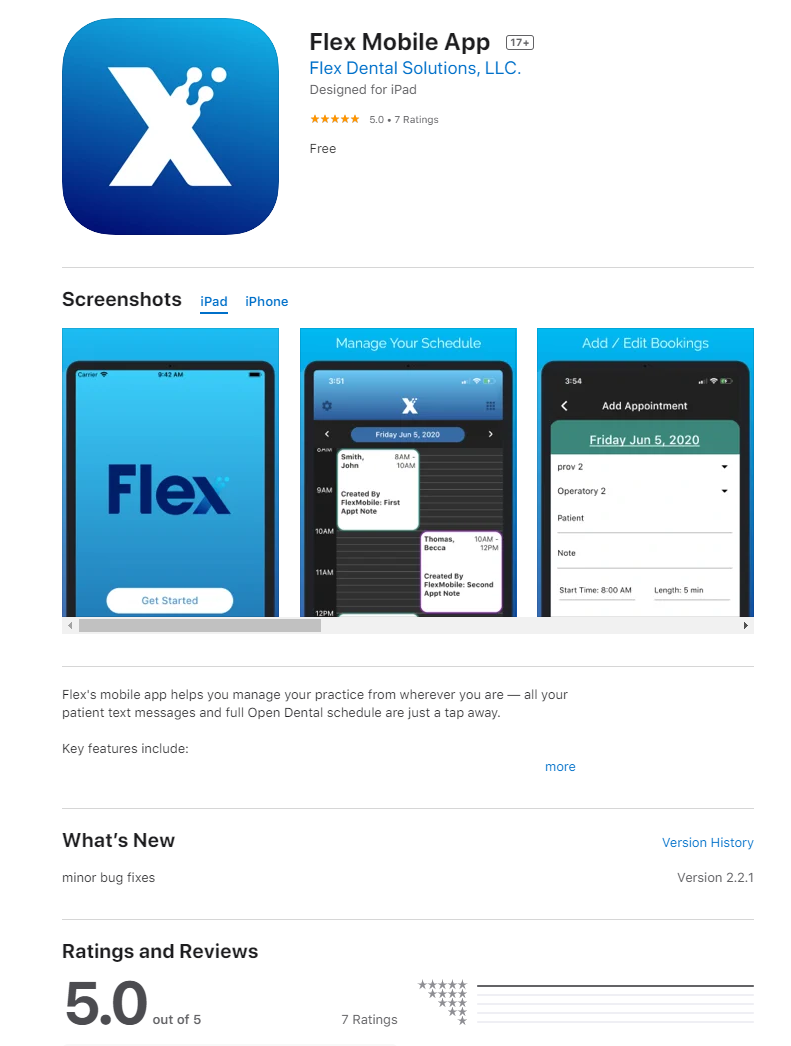
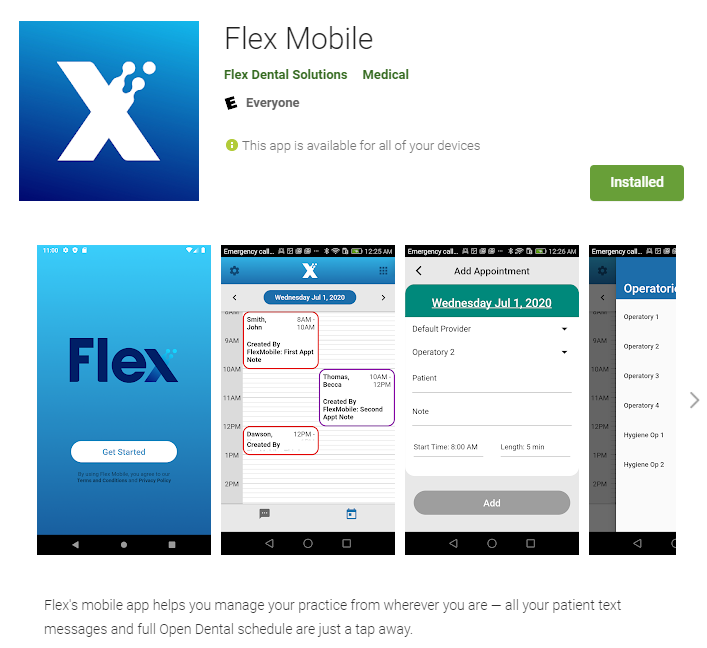
To utilize FlexMobile and to add your device, you must first navigate to the App Store (Apple) or the Play Store (Android) and download the Flex Mobile App!
Downloading On Apple Devices:
- Search for Flex Dental or Flex Mobile on your Apple Device inside of your App Store.
- Install the App (You may be prompted to login with your Apple ID and Password)
Downloading On Android Devices
- Search for Flex Dental or Flex Mobile on your Android Play Store
- Install the App
After installing the FlexMobile app you will need to add your device to Flex directly, click here!
If you have any questions after reading the material above, please comment below!
Thank you!
Comments
Please sign in to leave a comment.