
Flex allows you to look at what is referred to as 'release notes' to understand what each update includes.
First login to Flex and click on the Flex logo on the top right of the page.
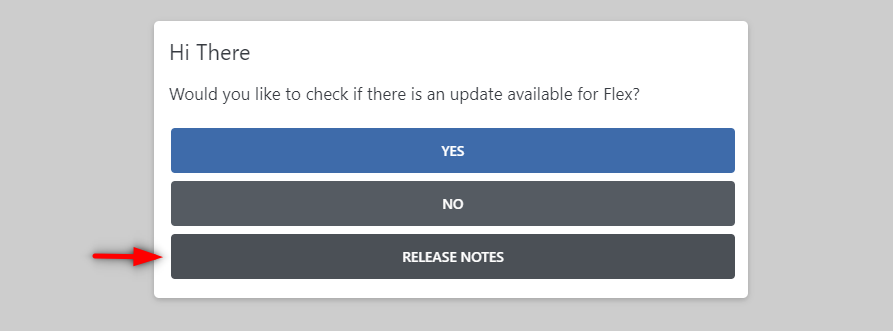
You will see a pop up that asks if you want to update, instead click on the 'release notes' option to view what has changed recently:
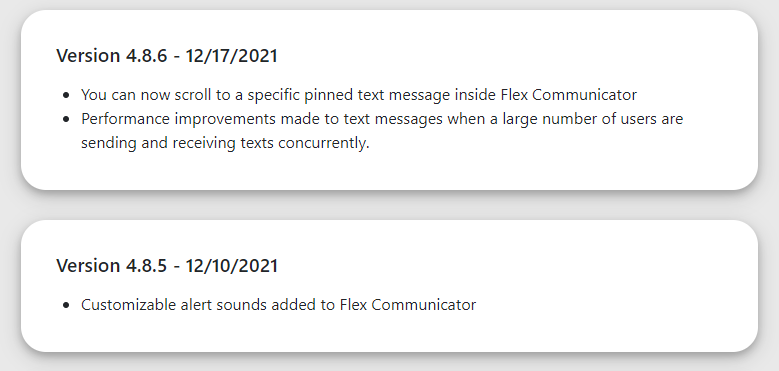
Once selected a new tab will load in your browser showing you all the updates with their associated dates they became available and what was included in them, here is a quick example:
If you have any questions on any update or what has been changed, please feel free to reach out to Flex Support or comment below!
Thank you!
Comments
Please sign in to leave a comment.